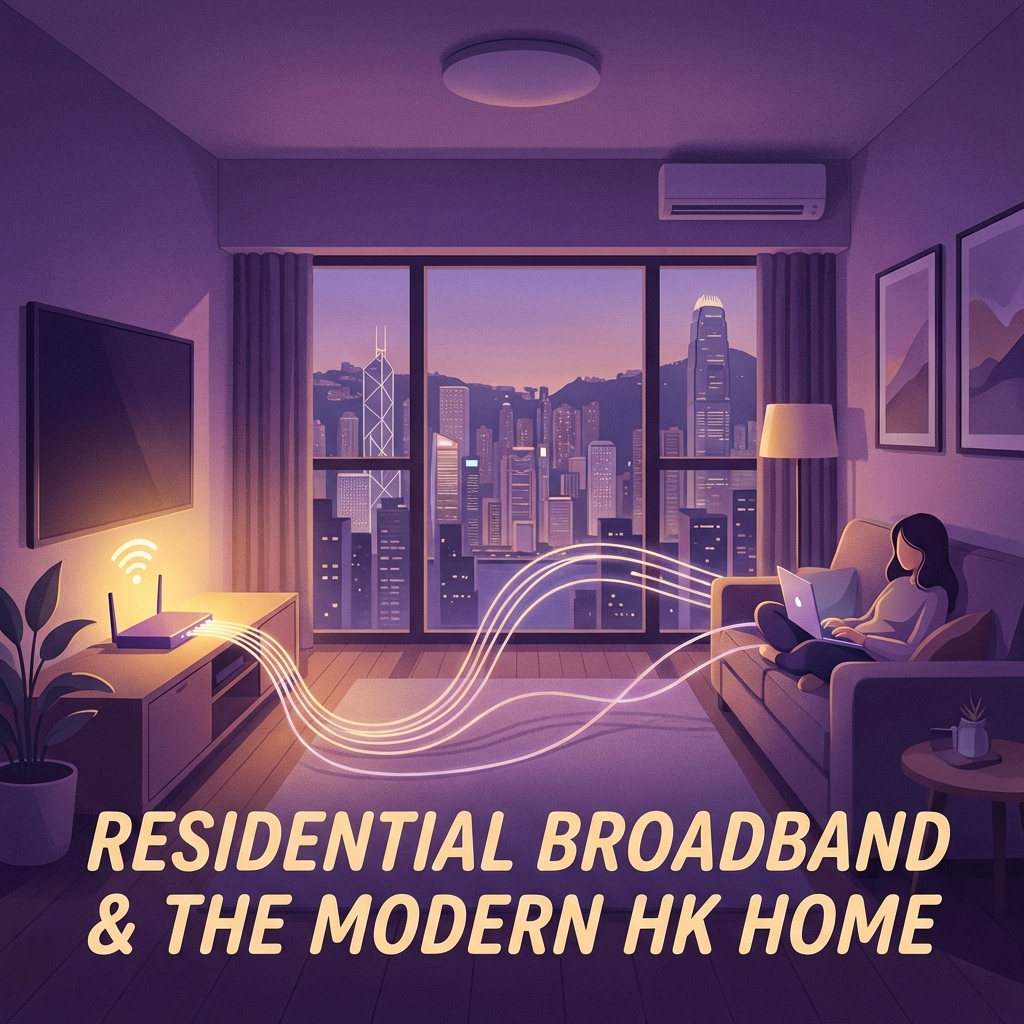
Upgrading from 100M to 1000M broadband is not too complicated, but it depends on your current network equipment and building infrastructure.
If you are upgrading with the same ISP, the simplest scenario is that you do not need to re-run the cable, you only need to replace the modem and may need to upgrade the router. The ISP will usually arrange for a technician to come to your home to replace it free of charge. The whole process takes about 30 minutes to 1 hour.
However, if you want to switch ISPs and upgrade, you may need to re-run the fibre optic cable. In addition, if your router is an older model (only supports 100M), you must replace it with a Gigabit-enabled router to enjoy 1000M speeds. For WiFi, it is recommended to use a WiFi 6 router to achieve higher speeds on wireless connections.
Remember that the network cable must also be Cat 5e or above to support 1000M. If your home's network cable is an old Cat 5, you will need to replace it. WhatsApp enquiry and we'll help you understand the upgrade requirements for free!
👑
Free Broadband Comparison
Looking for the best broadband deal? Contact our professional consultants now!